

Commercial AV Installation
Commercial AV installation for Palm Beach, Jupiter, Palm Beach Gardens, and West Palm Beach, focused on conference rooms, training spaces, distributed audio, displays, video conferencing, control systems, and the planning decisions that help business technology feel easier to use every day.

Commercial AV systems should make communication feel easier, not more complicated
Businesses looking for commercial AV installation are usually not shopping for equipment in the abstract. They are trying to fix real friction inside the building. That may mean a conference room where remote participants cannot hear clearly, a training space that takes too long to start, a lobby display that feels disconnected from the rest of the business, or a control setup that only one employee understands. Those problems are where a commercial AV project should start. The work is rarely about adding one more screen. It is about making presentations cleaner, meetings more productive, communication more consistent, and technology less disruptive during the workday.
That is why commercial AV installation should begin with room purpose, user behavior, and operational expectations before any product choices are locked in. A boardroom does not need the same camera behavior as a training room. A reception area display strategy does not follow the same logic as a divisible meeting room. Ceiling microphones, tabletop microphones, distributed speakers, wireless presentation tools, control panels, matrix switching, and scheduling integrations only work well when the design is tied to how the space will actually be used. The businesses most ready to hire are usually looking for help narrowing those decisions, not just someone to mount hardware and leave.
A well-executed commercial AV installation also has to respect the people who will live with the system after the project is complete. Ease of use matters. Staff should not have to remember a ten-step startup process just to launch a meeting. Presenters should not have to guess which input is active. Remote participants should not feel like second-class attendees because the room audio is hollow or the camera framing is poor. Good integration reduces those daily irritations by aligning displays, microphones, speakers, cabling, control, and conferencing platforms into a more predictable experience.
Long-term reliability matters just as much as the first installation. Many businesses have already experienced a pieced-together system that worked well enough at first but became harder to support as devices were added over time. Commercial AV installation should account for serviceability, cable management, rack organization, labeling, programming logic, expansion paths, and future standardization. The right installation is not just clean on day one. It stays understandable later when a room gets upgraded, a display is replaced, a platform changes, or an additional space is brought online using the same general workflow.
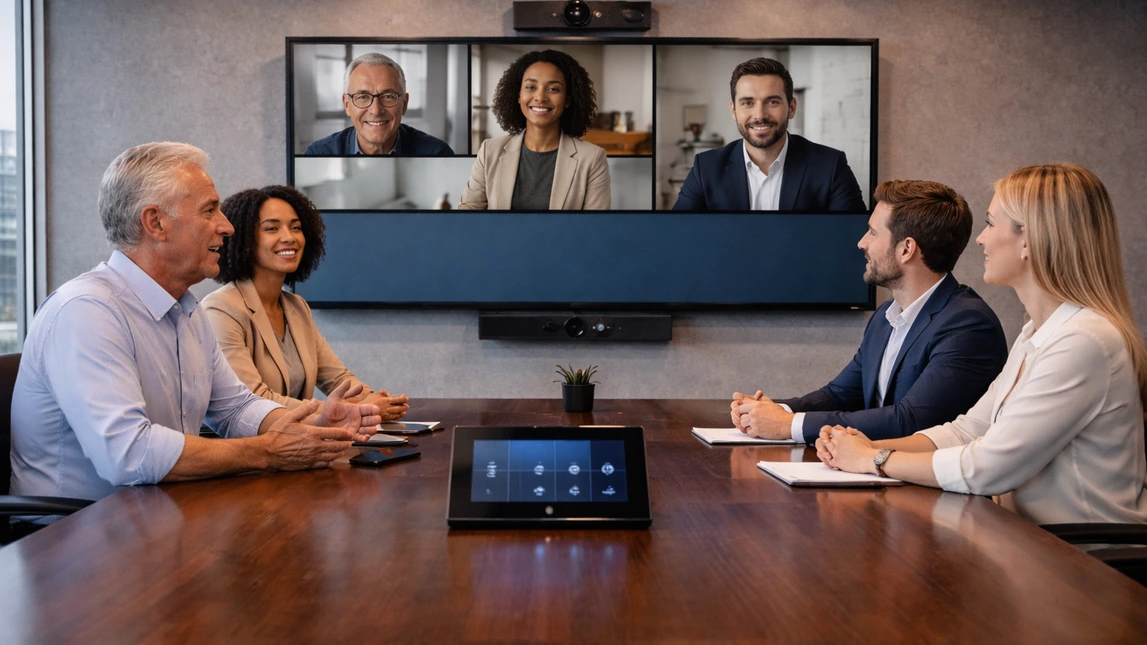
What businesses are usually trying to improve with commercial AV installation
Most commercial AV projects start with a communication problem, not a hardware wish list. Some businesses need better speech clarity in meetings. Others need displays that are easier to see, faster content sharing, more reliable conferencing, simplified room control, or a cleaner way to distribute audio and messaging across multiple spaces. Strong planning starts by identifying the daily frustrations first, then matching the technology to the rooms, users, and workflows that matter most.
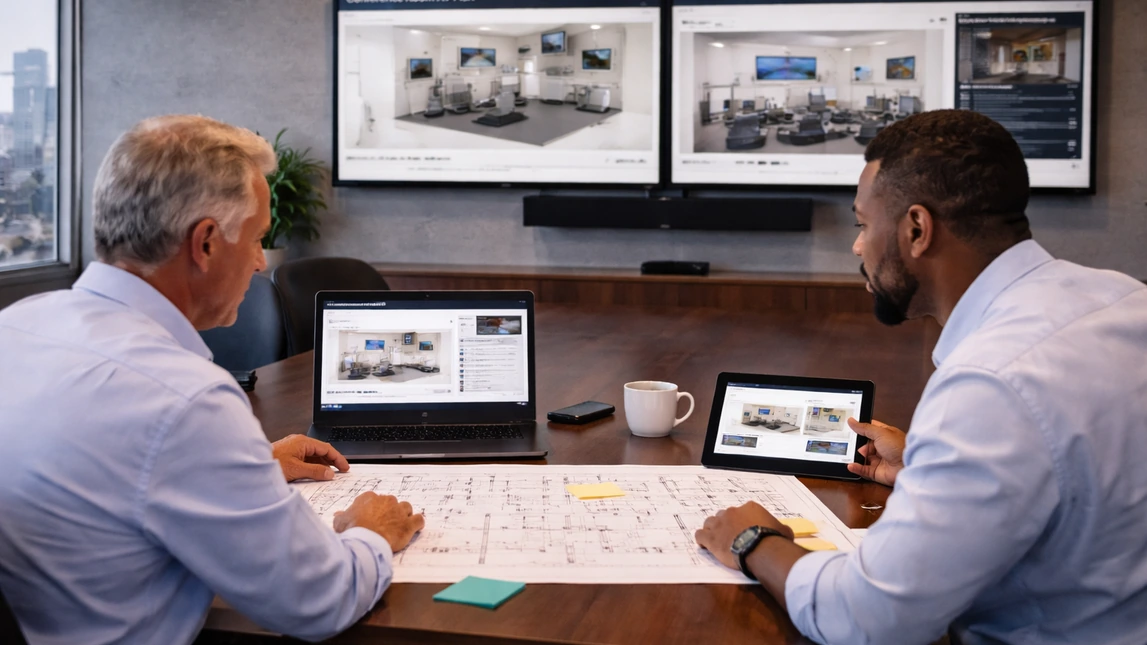
Installation should be built around the room, not forced into it
Conference rooms, huddle spaces, training rooms, reception areas, and multi-use spaces all place different demands on a system. A better commercial AV installation considers sightlines, table layout, ceiling height, ambient noise, acoustics, furniture, network access, cabling paths, power locations, and how presenters move through the space. That kind of planning helps avoid dead zones, poor camera angles, hidden service issues, and awkward control experiences that frustrate users later.
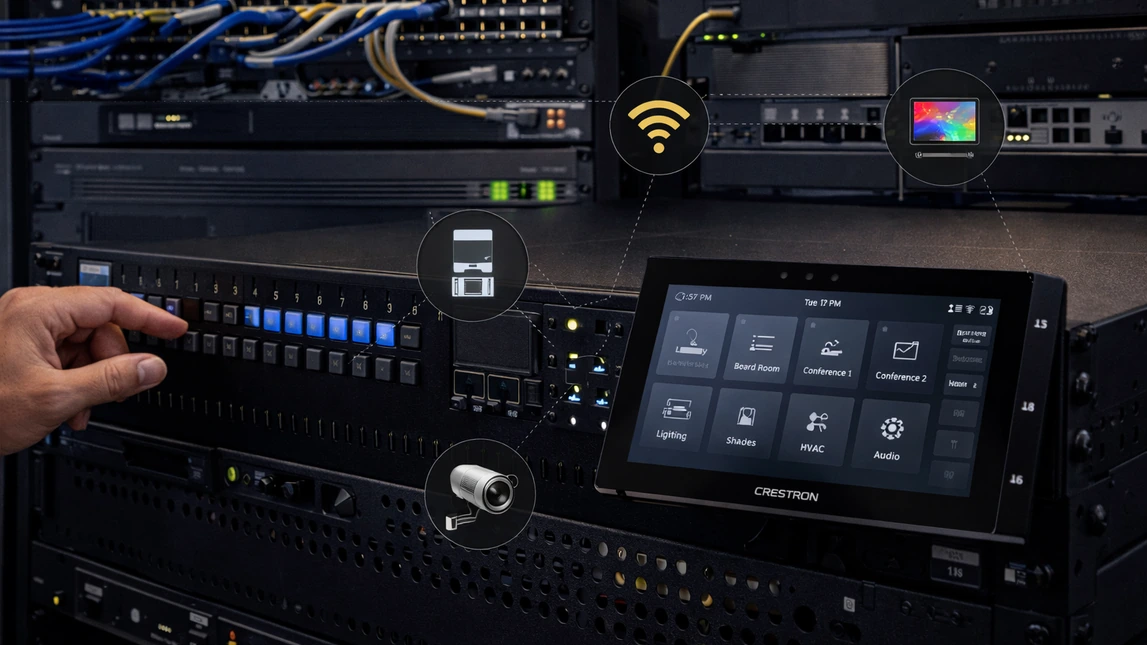
A stronger commercial AV plan should also think about the next phase
Many businesses do not stop at one room. They add another conference space, expand signage, standardize controls, or update conferencing platforms as needs change. That is why commercial AV installation should account for scalability from the start. Consistent control logic, organized racks, labeled cabling, serviceable hardware placement, and equipment choices that fit future room standards make later upgrades far less disruptive and far easier to support.
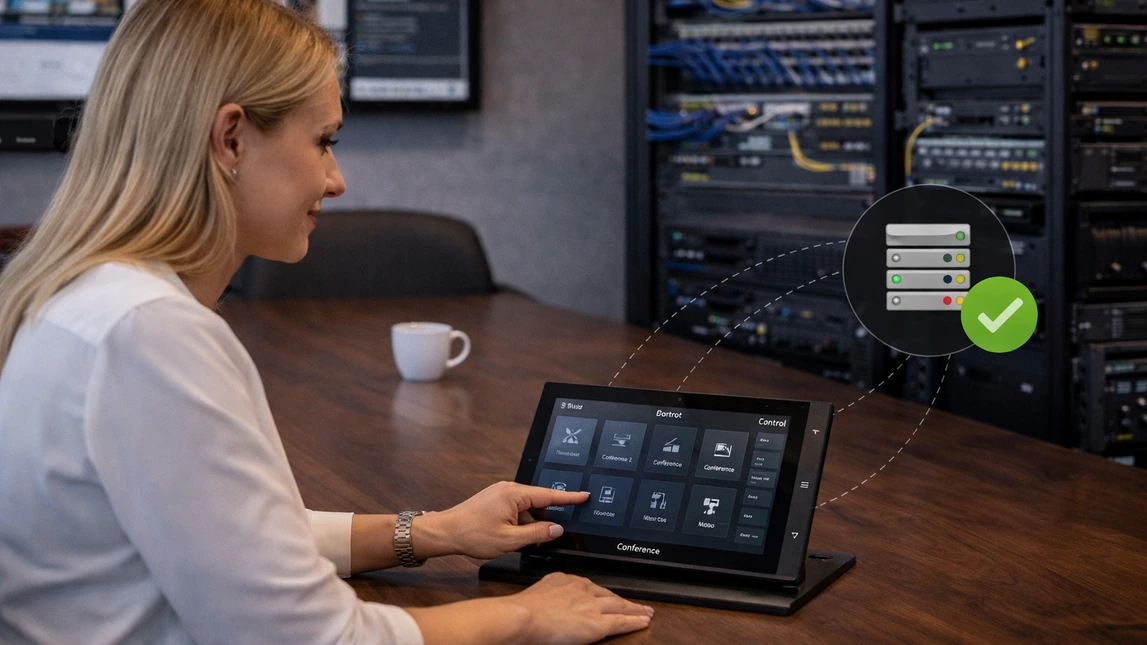
Equipment choices matter, but usability matters more
Displays, projectors, microphones, cameras, speakers, switchers, DSPs, touch panels, wireless presentation tools, and scheduling integrations all play a role, but the finished experience is what employees remember. The best commercial AV installation is the one that lets teams walk in, start quickly, be heard clearly, present confidently, and leave without needing technical intervention. That is the difference between installing gear and delivering a room that people actually trust.
Commercial AV solutions should match the way the space is actually used
A stronger installation strategy starts by defining the room type, communication goals, user expectations, and how simple the finished experience needs to feel for staff.
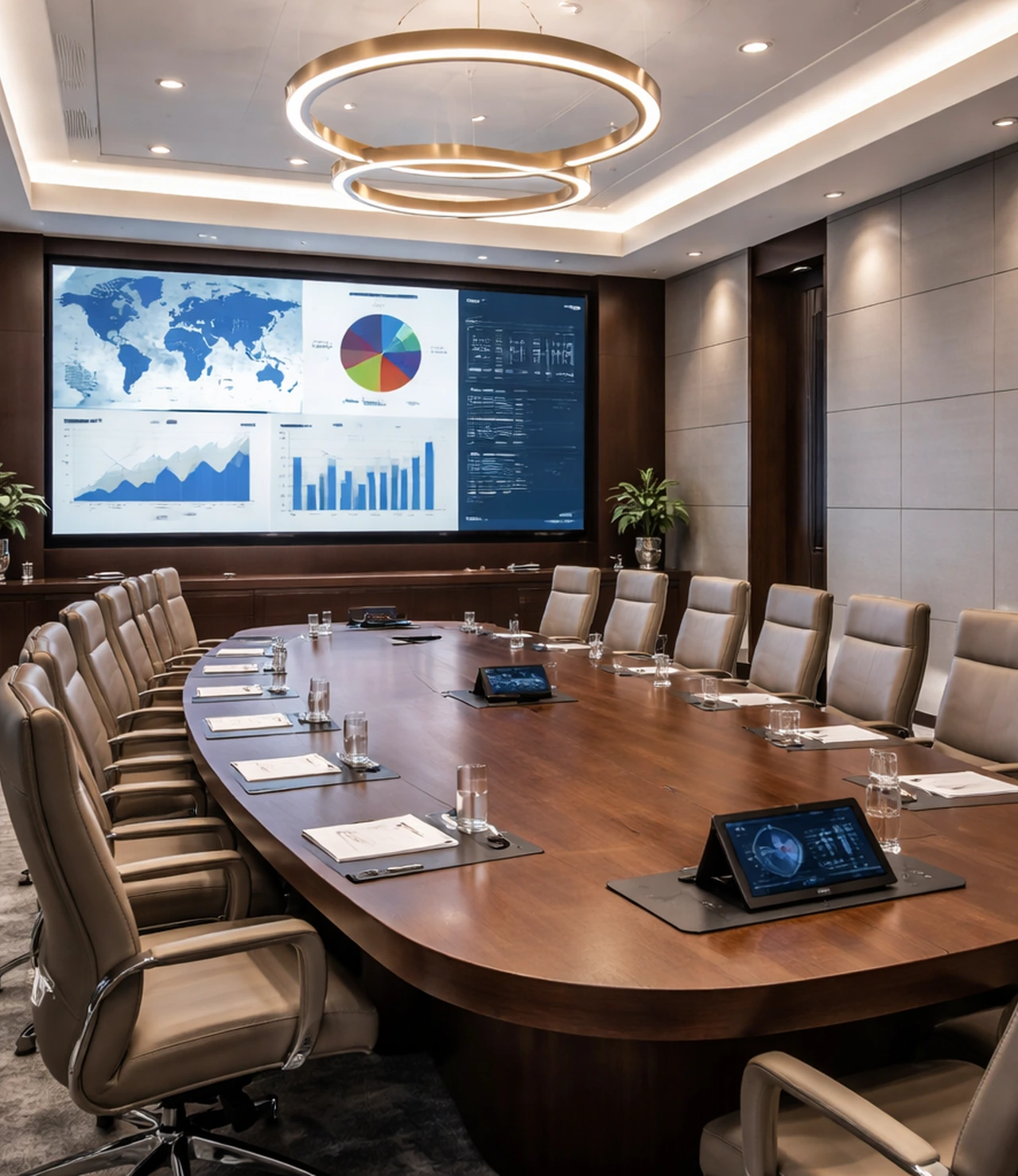
Conference rooms and boardrooms
Conference rooms and boardrooms usually carry the highest expectations because these are the spaces where presentations, internal planning, client conversations, and hybrid meetings all need to feel polished. The right installation often focuses on speech intelligibility, camera framing, display sizing, wireless sharing, and simple launch control so users are not fighting the system before the meeting even begins:
- Video conferencing systems built around clear pickup and balanced room audio.
- Large-format displays or projection systems sized to the room and viewing distance.
- Microphones selected around table shape, ceiling conditions, and participant coverage.
- Touch-panel or one-touch control for source switching, volume, camera, and meeting launch.
- Cleaner cable paths, concealed hardware, and an executive-ready finished appearance.
Training rooms and instructional spaces
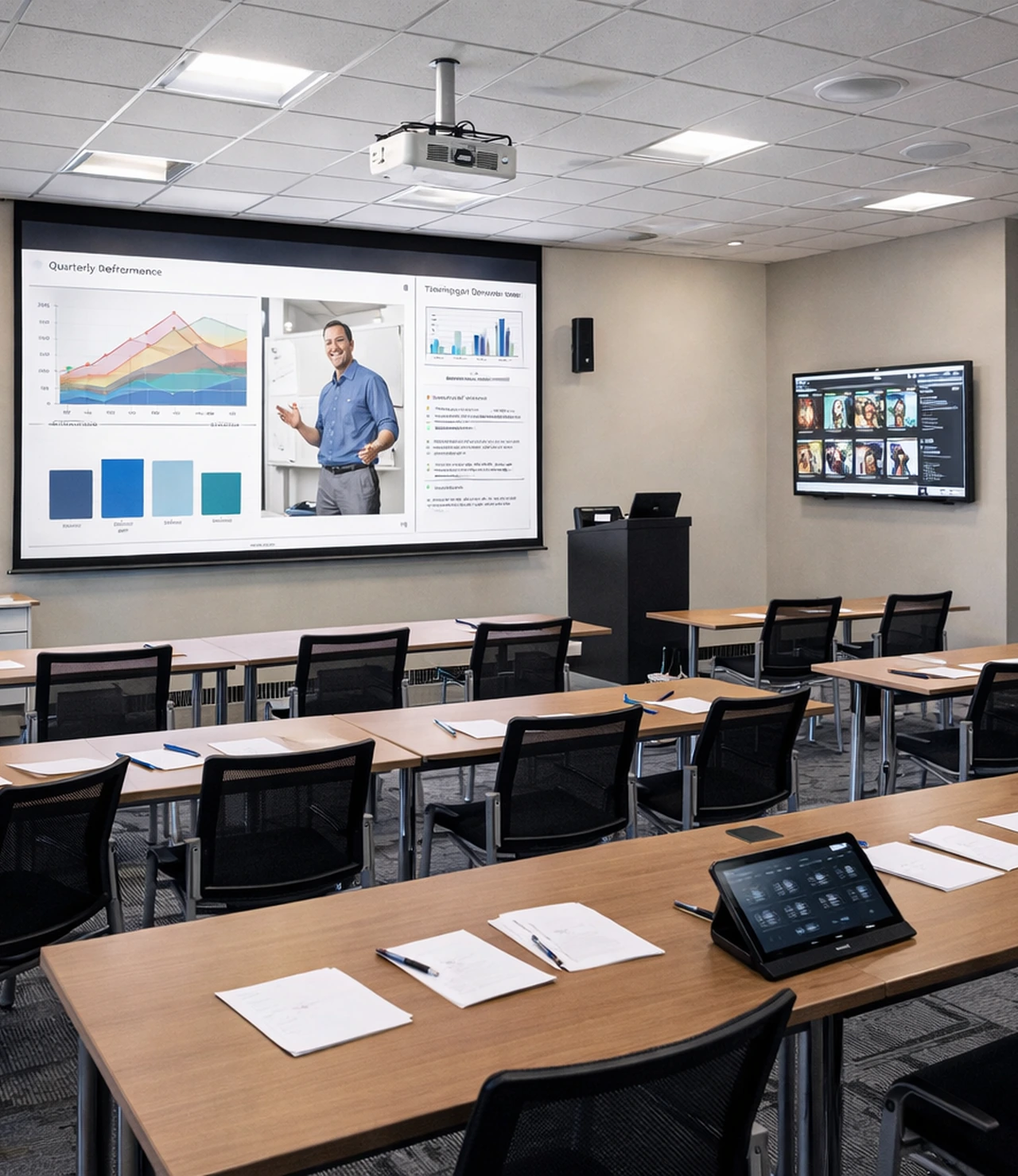
Training spaces need flexibility. One day the room may support a small internal session and the next day a larger group presentation, hybrid workshop, or demonstration. Commercial AV installation for these environments should think beyond the display itself and focus on visibility, audibility, presenter movement, and repeatable control so sessions start on time and stay organized:
- Presentation displays and projection systems chosen for brightness, room size, and content readability.
- Audio reinforcement that keeps voices clear across the room without harshness or dead spots.
- Wireless presentation and input options for multiple presenters or guest devices.
- Cameras and microphones that support recording, streaming, or remote attendees when needed.
- Control systems that simplify transitions between local presentation and virtual collaboration.
Reception areas, common spaces, and digital signage
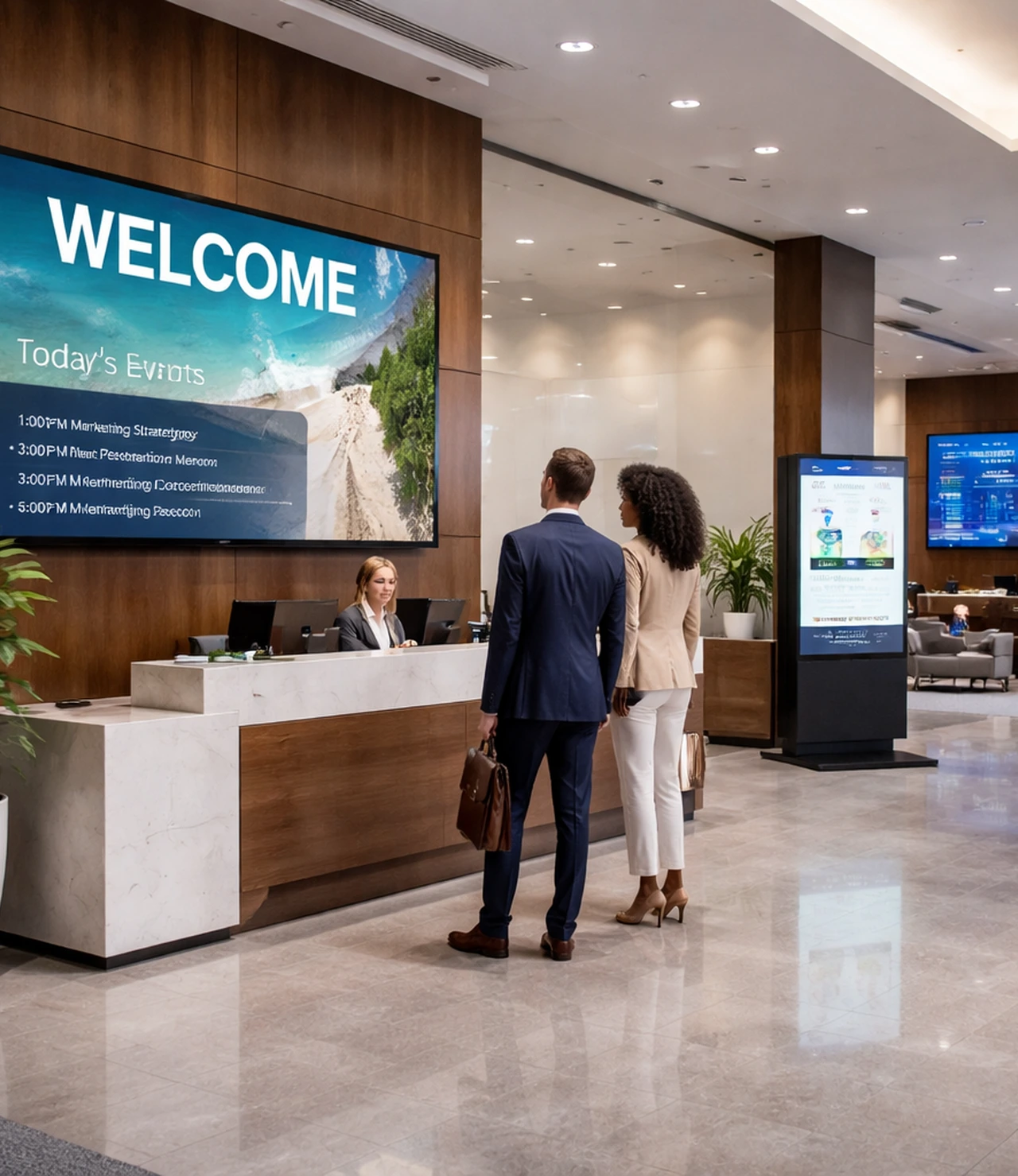
Some commercial AV projects are less about formal meetings and more about messaging, wayfinding, branding, and shared information across the building. In those cases, the priority may shift toward display placement, visibility, content routing, centralized control, and uptime. Installation quality matters here because poorly placed screens, exposed cables, or inconsistent playback can undermine the professional feel a business is trying to create:
- Digital signage displays positioned for traffic flow, readability, and cleaner visual impact.
- Source routing and switching for shared messaging across one room or multiple zones.
- Audio distribution where announcements, background music, or event support are part of the use case.
- Hardware mounting and cabling strategies that protect the finished appearance of the space.
- Control options that help staff update or manage the system without unnecessary complexity.
Multi-zone audio, paging, and business-wide control
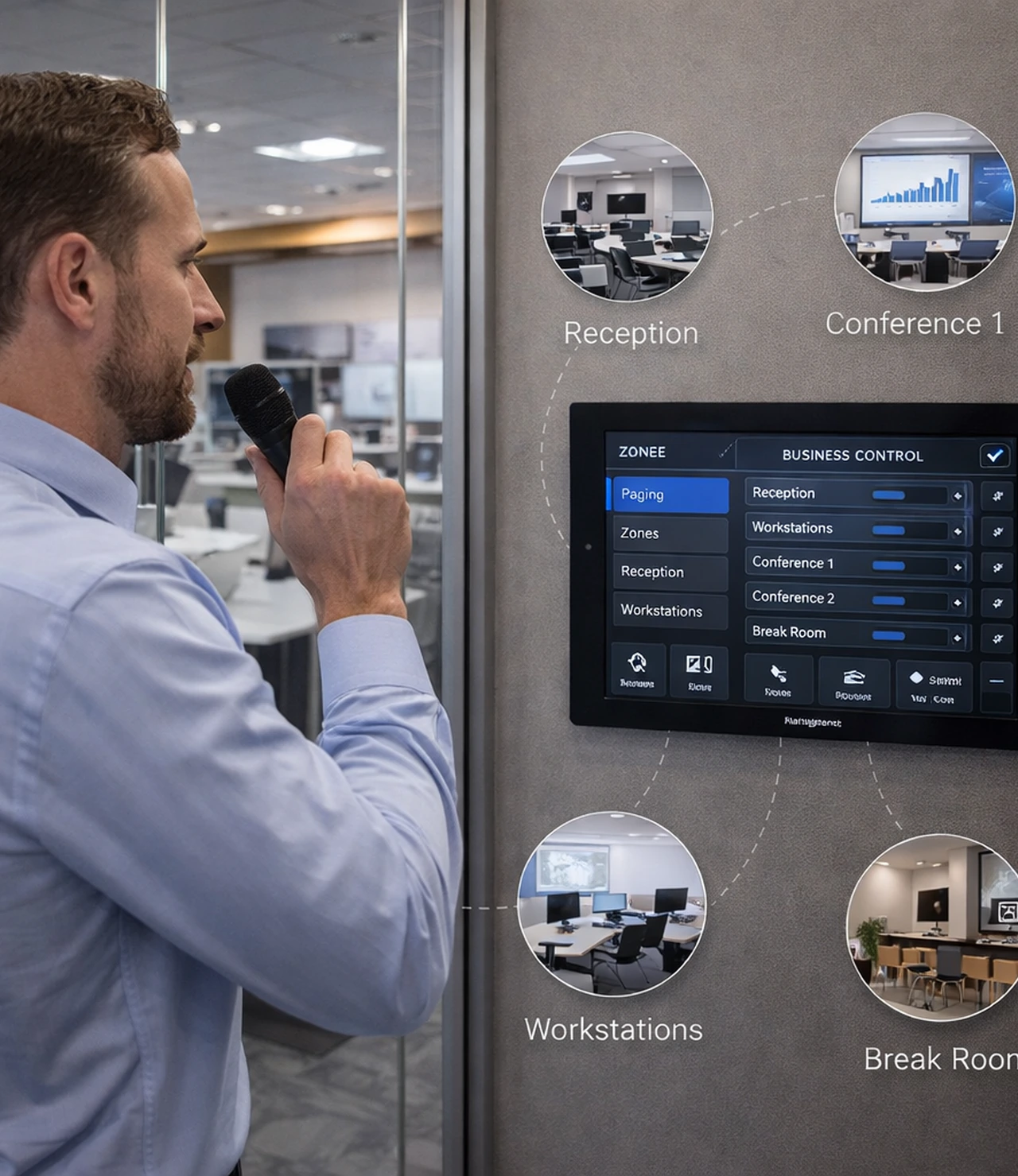
Commercial AV installation often extends beyond a single meeting room. Businesses may need audio distributed across common spaces, paging in operational areas, centralized control in a larger facility, or a consistent system logic across several rooms. These projects require stronger coordination around zone design, device placement, DSP behavior, network connectivity, and the way users will interact with the system day to day:
- Distributed audio systems designed around even coverage and functional zone control.
- Paging and announcement support where clear communication across spaces is important.
- Centralized or standardized control strategies that reduce confusion across multiple rooms.
- Rack organization, cable labeling, and documentation that support easier long-term service.
- Expansion planning for future spaces, additional displays, upgraded conferencing, or added zones.
Control, training, and support matter after the install is finished
A commercial AV system can look impressive on installation day and still become frustrating later if the control flow is clumsy or the team never feels confident using it. A stronger result includes thoughtful programming, intuitive control, organized documentation, and a handoff process that helps staff understand how the room is meant to work. That is often what separates a system people tolerate from a system they rely on.
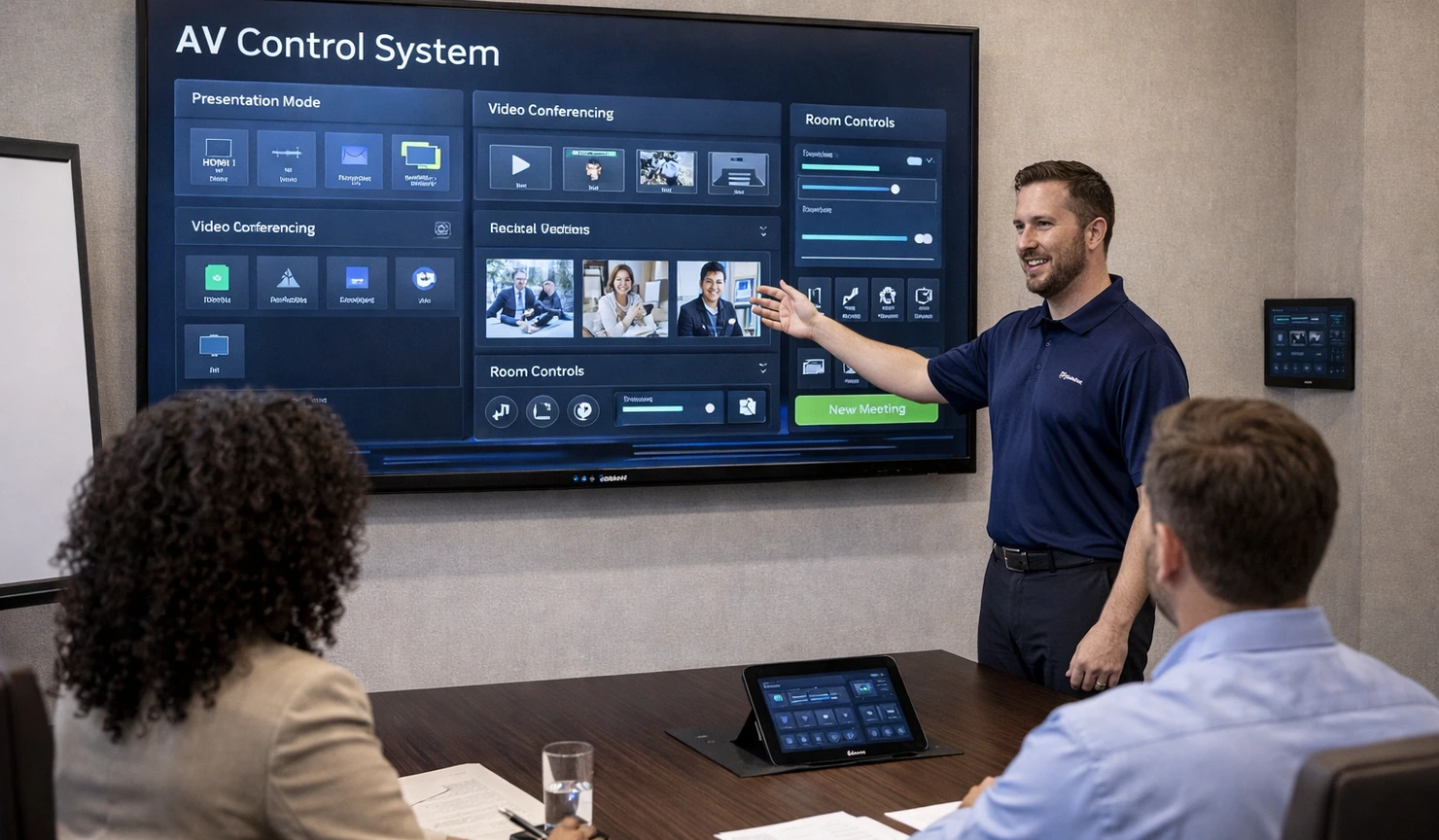
What a complete commercial AV installation process should cover

Complete Commercial Av Installation Process
A better commercial AV project usually includes discovery, system design, equipment selection, cable planning, infrastructure coordination, installation, programming, testing, commissioning, user handoff, and support planning. That process matters because commercial systems tend to fail in the gaps between those stages, not just because of the hardware itself. When the workflow is organized from the beginning, the finished room typically feels cleaner, starts faster, and stays more understandable for both staff and support teams.
Common installation inclusions
- Conference room displays, projectors, or large-format presentation screens.
- Video conferencing cameras, microphones, speakers, and DSP tuning.
- Wireless presentation tools and source switching for simpler sharing.
- Touch-panel, keypad, or one-touch control for daily room operation.
- Rack building, signal distribution, cable routing, and clean device organization.
- Digital signage, lobby displays, or information screens where needed.
- Testing, commissioning, user training, and system handoff planning.
What buyers often care about most
- Will people in the room and remote participants hear each other clearly?
- Can staff start meetings quickly without technical assistance?
- Will the system stay organized and serviceable after installation day?
- Can the room work with the conferencing platform the business already uses?
- Does the finished result look clean enough for a professional setting?
- Can the approach scale across additional rooms later?
- Is there a practical path for support, updates, and future changes?
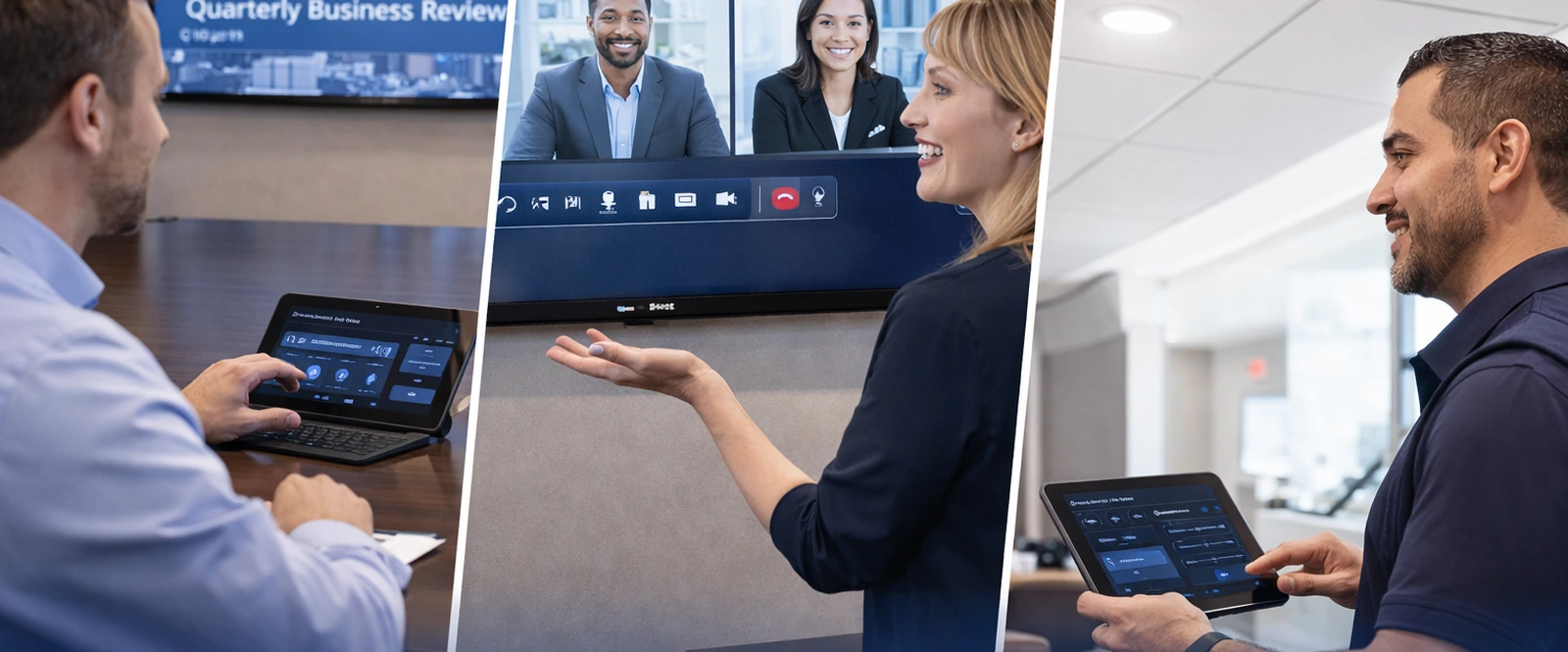

Commercial AV should feel straightforward once people start using it
The strongest system is not necessarily the one with the most hardware. It is the one that helps staff walk in, connect, present, collaborate, and leave without second-guessing the room.
Questions businesses often ask before moving forward
Before moving forward, most businesses need clear answers to three practical questions: what should go in the room, how simple will it be to use, and will the finished system stay reliable after installation day?

Commercial AV Installation
Get a system plan built around how the business actually communicates
A better result starts with the room purpose, communication goals, platform preferences, control expectations, and the level of simplicity the team needs once the system goes live.