

Conference Room AV Installation
Conference room AV installation for Palm Beach, Jupiter, Palm Beach Gardens, and West Palm Beach focused on cleaner video meetings, better speech intelligibility, easier screen sharing, reliable control, and room technology planned around the way teams actually meet.

Conference room AV installation should solve meeting friction, not add more of it
The strongest conference room AV installation work starts with a simple question: what has been making meetings harder than they should be? In many offices, the problem is not just that the room looks dated. It is that speech is inconsistent, remote participants struggle to hear side conversations, screen sharing is unreliable, cameras do not frame people well, and too many systems depend on workarounds that only one person in the office understands. A better installation process looks at the room as a whole, including display size, seating distance, table layout, ceiling height, glass and hard surfaces, power availability, network access, device interoperability, and the software platforms the business already uses.
That is why conference room audio visual installation should never be treated like a simple product drop off. A small huddle room has different needs than a boardroom, a training room, or a client-facing presentation space. Some businesses mainly need dependable video conferencing with clean microphones and a room controller that starts meetings fast. Others need a more complete setup that supports dual displays, wireless presentation, camera tracking, distributed audio, occupancy-aware controls, and better cable management for a room that stays organized between meetings. The right design depends on how the room is actually used day after day.
Businesses usually hire for conference room AV when the room is already creating friction. They may be fixing an underperforming meeting space, outfitting a new office, standardizing technology across multiple rooms, or preparing for hybrid communication that needs to feel more professional for employees, partners, and clients.
The installation has to focus on performance, usability, reliability, and planning. The display has to be visible from the right distance. The microphones have to capture the people who are actually speaking. The speakers have to keep voices clear without sounding harsh. The camera has to give remote attendees a better view than a laptop at one end of the table. The controls have to feel obvious enough that staff can use the room without needing support every time they meet.
When that level of planning is done well, the room feels calmer and more useful the moment people walk in. Meetings start faster, remote participants follow the conversation more easily, presenters spend less time troubleshooting, and the room supports the professional image the business wants to present.
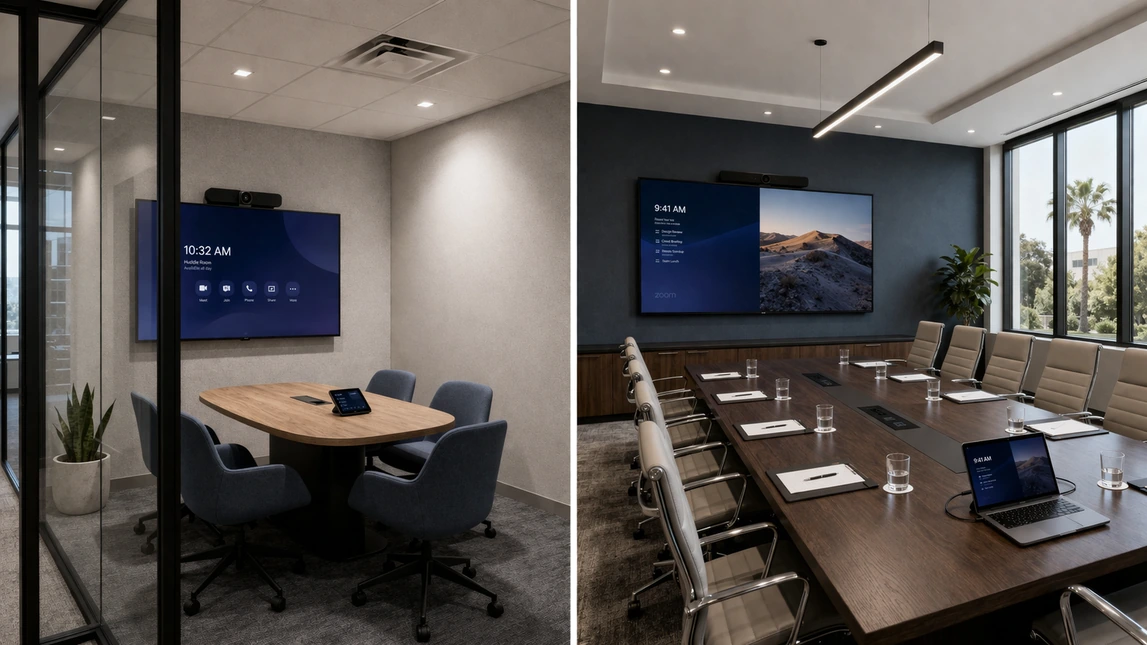
Room types, meeting habits, and what the system actually needs to do
Conference room AV installation works best when the room is planned around real use instead of assumptions. A huddle space used for short check-ins needs a different camera, microphone, and display strategy than a boardroom built for leadership meetings, client presentations, and hybrid collaboration. Training rooms, divisible spaces, and presentation rooms create another layer of planning because content visibility, presenter movement, and audience coverage matter more. Starting with room type and meeting habits helps define what the system should prioritize from day one.
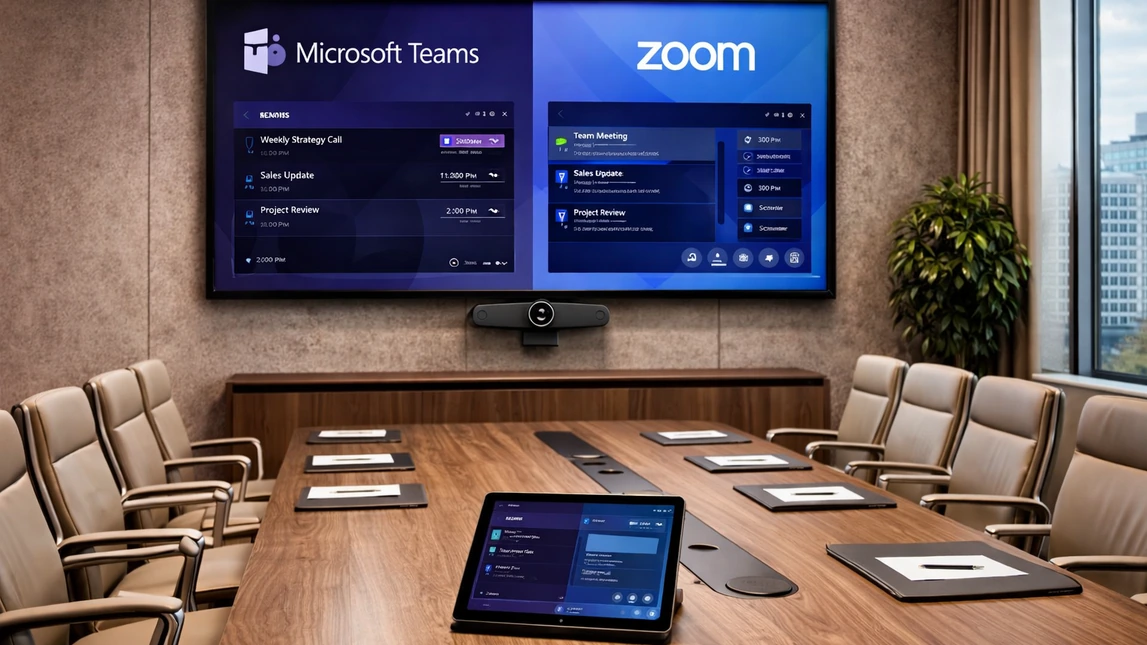
Platform compatibility matters more than simply choosing hardware
Many businesses are not just looking for screens and speakers. They are trying to build a room that behaves predictably with Microsoft Teams, Zoom, Google Meet, Webex, wireless presentation tools, scheduling panels, and other office systems already in use. Strong conference room audio visual installation should account for how meetings are launched, how guests share content, how room controls are presented, and whether the system is meant to be appliance based, PC based, or flexible enough for bring-your-own-meeting workflows. Getting that compatibility right reduces friction far more than adding extra gear ever will.
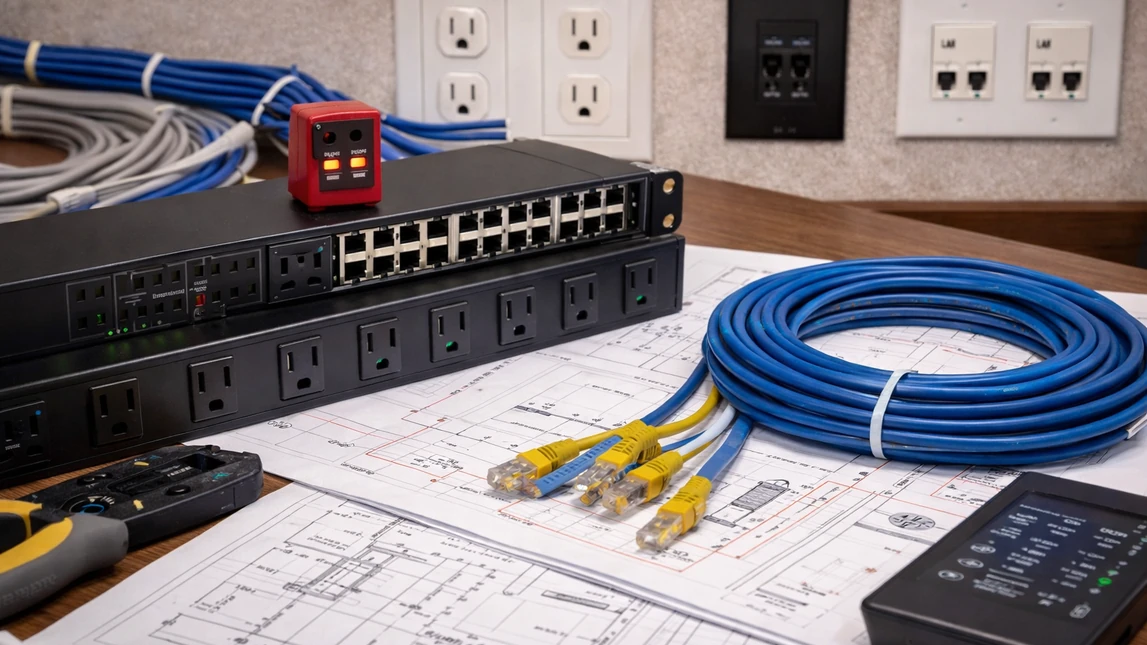
Infrastructure planning is where many conference room problems are prevented
The visual parts of the room get attention first, but reliable performance often depends on what is happening behind the scenes. Power placement, network quality, cable paths, rack location, wall structure, conduit planning, table connectivity, device ventilation, and future service access all affect how dependable the room feels after installation. A better planning process also considers clean finish work so the room does not end up with visible adapters, unmanaged cables, or equipment choices that make later upgrades harder than they need to be.
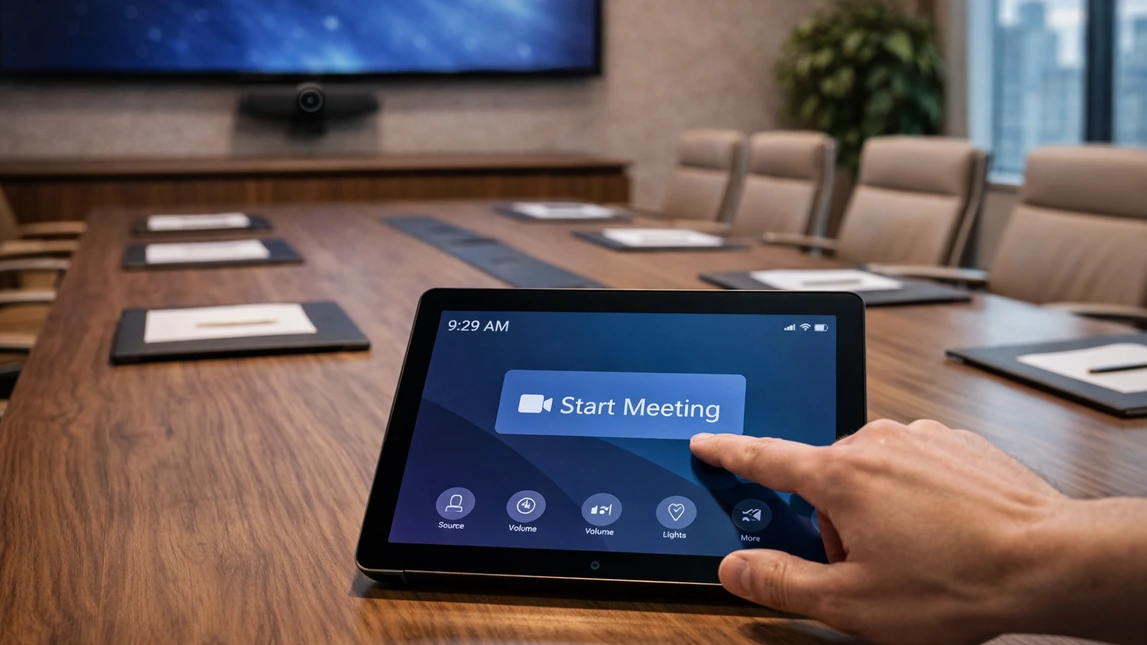
The best conference room technology is easy enough that people actually use it
A room can have strong hardware and still fail if the daily user experience feels confusing. Conference room AV installation should lead to rooms that start quickly, switch between sources cleanly, handle remote participants naturally, and keep controls clear enough for employees, executives, and guests to use without hesitation. Simplicity is not a small detail. It is one of the biggest factors behind whether the business feels the project was worth doing in the first place.
What Conference Room AV Installation Should Fix
A well-designed conference room AV system should make meetings easier to hear, easier to see, and easier to run. That usually means clearer microphone pickup, more even speaker coverage, better camera framing, displays that stay readable from every seat, simpler presentation sharing, and controls that do not waste time at the start of every meeting. The goal is not just adding equipment to the room. The goal is building a system that helps the room function better for daily meetings, client calls, presentations, and hybrid collaboration.
Video conferencing that sounds and looks more professional
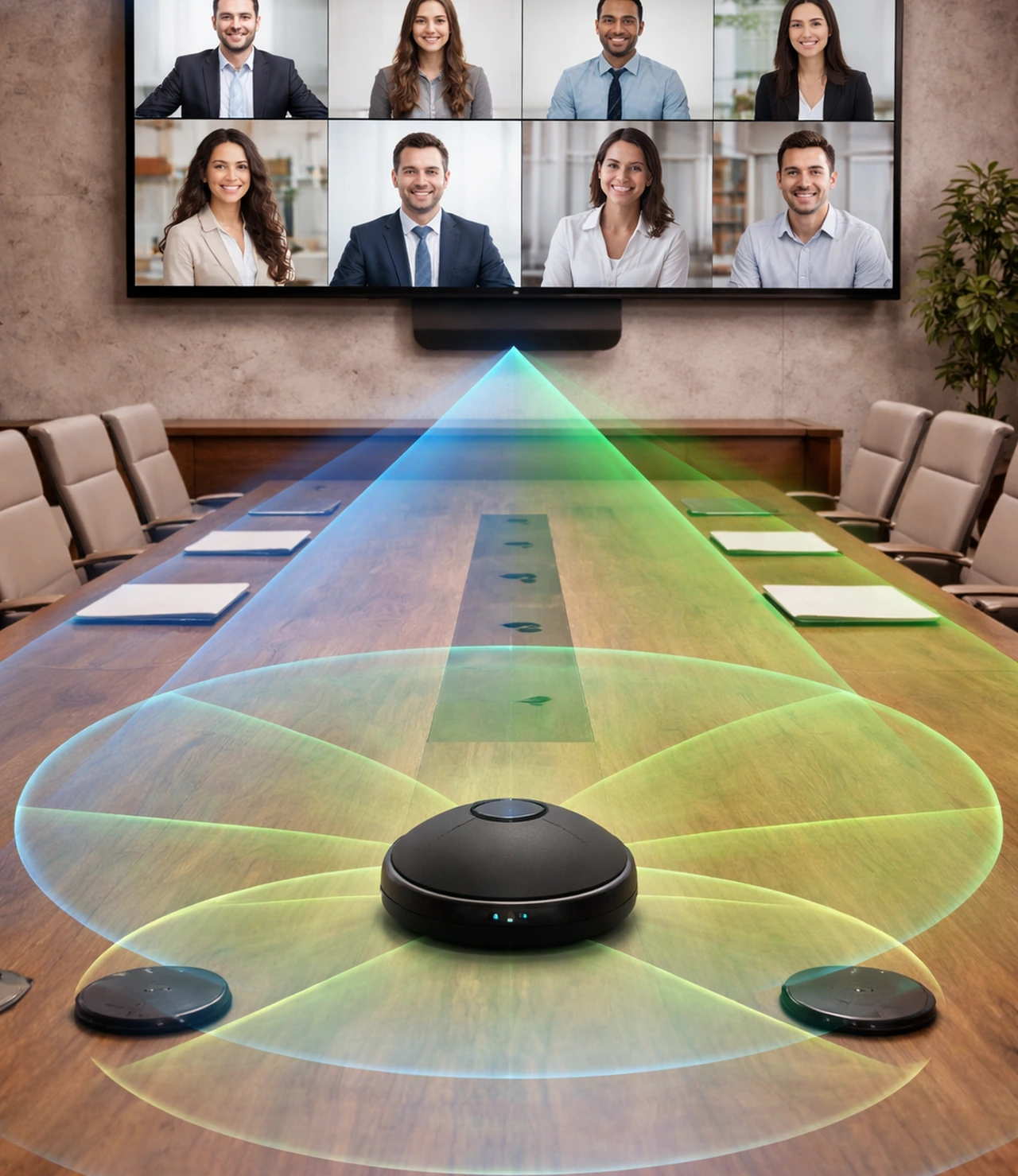
Conference room AV installation is often driven by hybrid meeting frustration. A better room should improve the experience for both the people at the table and the people joining remotely:
- Microphone coverage should match the table shape, seating positions, and speaking habits in the room.
- Speakers should keep remote voices intelligible without sounding thin, harsh, or distracting.
- Cameras should frame people naturally instead of creating a distant or awkward view.
- Display placement should support eye line and viewing comfort during longer meetings.
- Echo, HVAC noise, glass reflections, and room reverberation should be accounted for during planning.
Content sharing and presentation should feel immediate
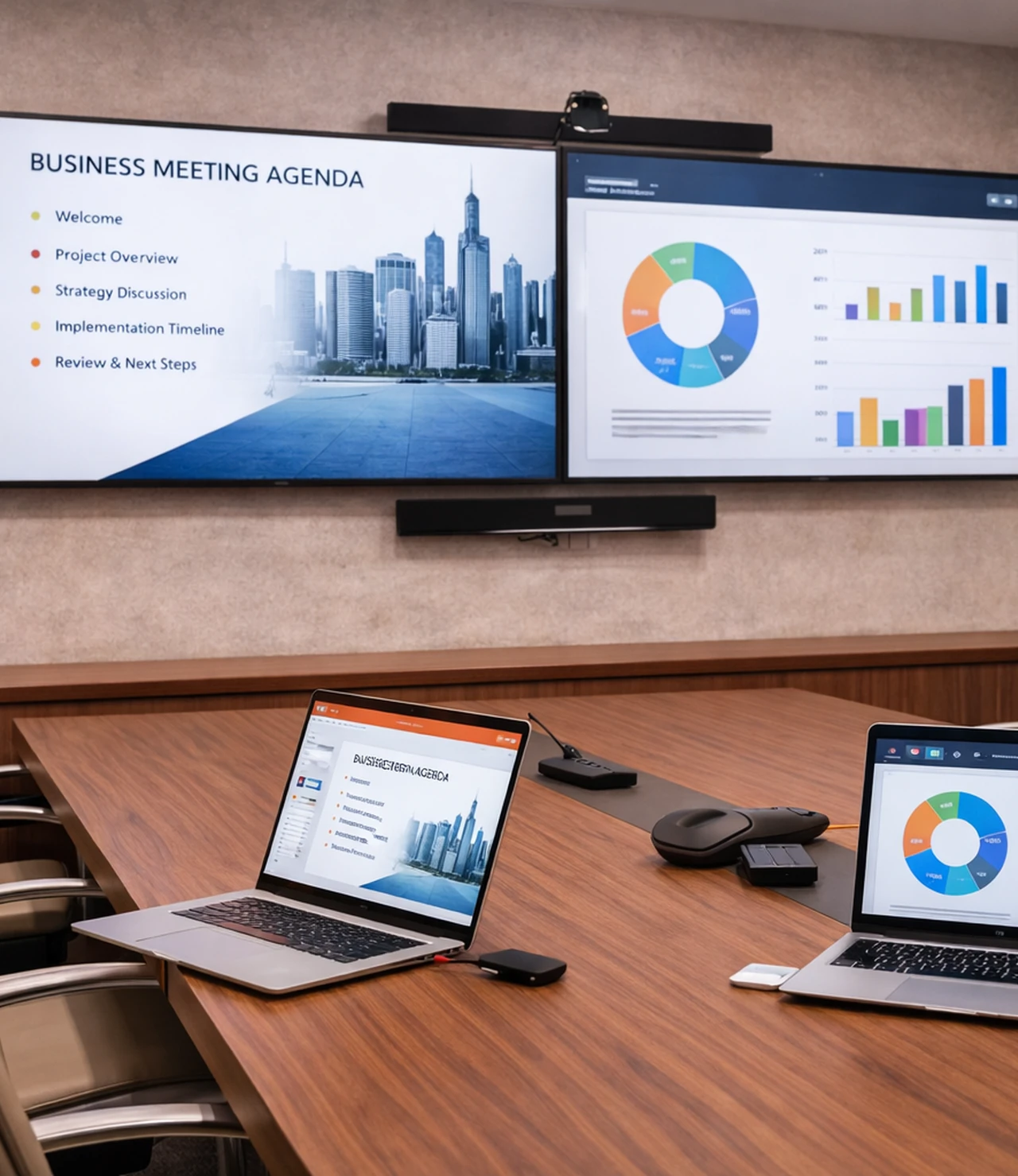
Businesses often upgrade meeting room AV to stop common workflow breakdowns tied to presenting and collaboration:
- Wireless presentation should connect quickly without confusing the presenter.
- Wired inputs should still be available where reliability or guest access matters.
- Display size and resolution should make spreadsheets, presentations, and fine detail easier to read.
- Dual-display rooms should be planned around whether the space benefits from simultaneous content and participant views.
- Switching between room systems and personal devices should feel structured instead of improvised.
Control, automation, and room consistency matter
Conference room audio visual installation becomes much more valuable when staff can trust the room to behave the same way every time:
- One-touch meeting launch can reduce wasted time at the start of calls.
- Control interfaces should match the needs of the room instead of being overloaded with unnecessary options.
- Lighting, shades, audio levels, and source selection can be coordinated when the room calls for a more complete experience.
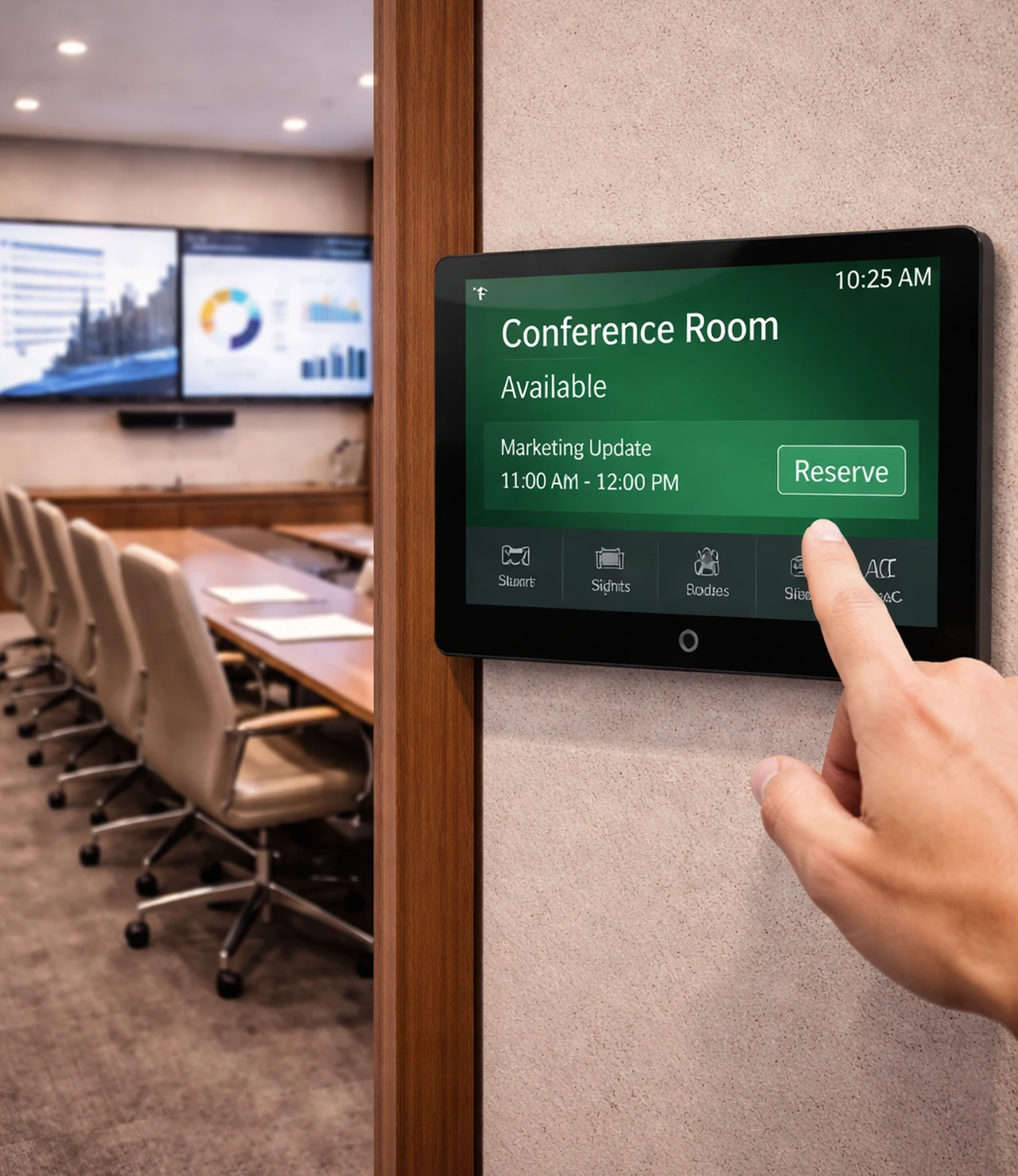
- Scheduling panels and room status tools can help reduce interruptions and improve room availability visibility.
- Standardizing design across multiple rooms makes training and adoption easier for teams.
A better room should hold up after the install day is over
Businesses are usually thinking beyond the first meeting. They want a room that continues to feel dependable as the team uses it more heavily:
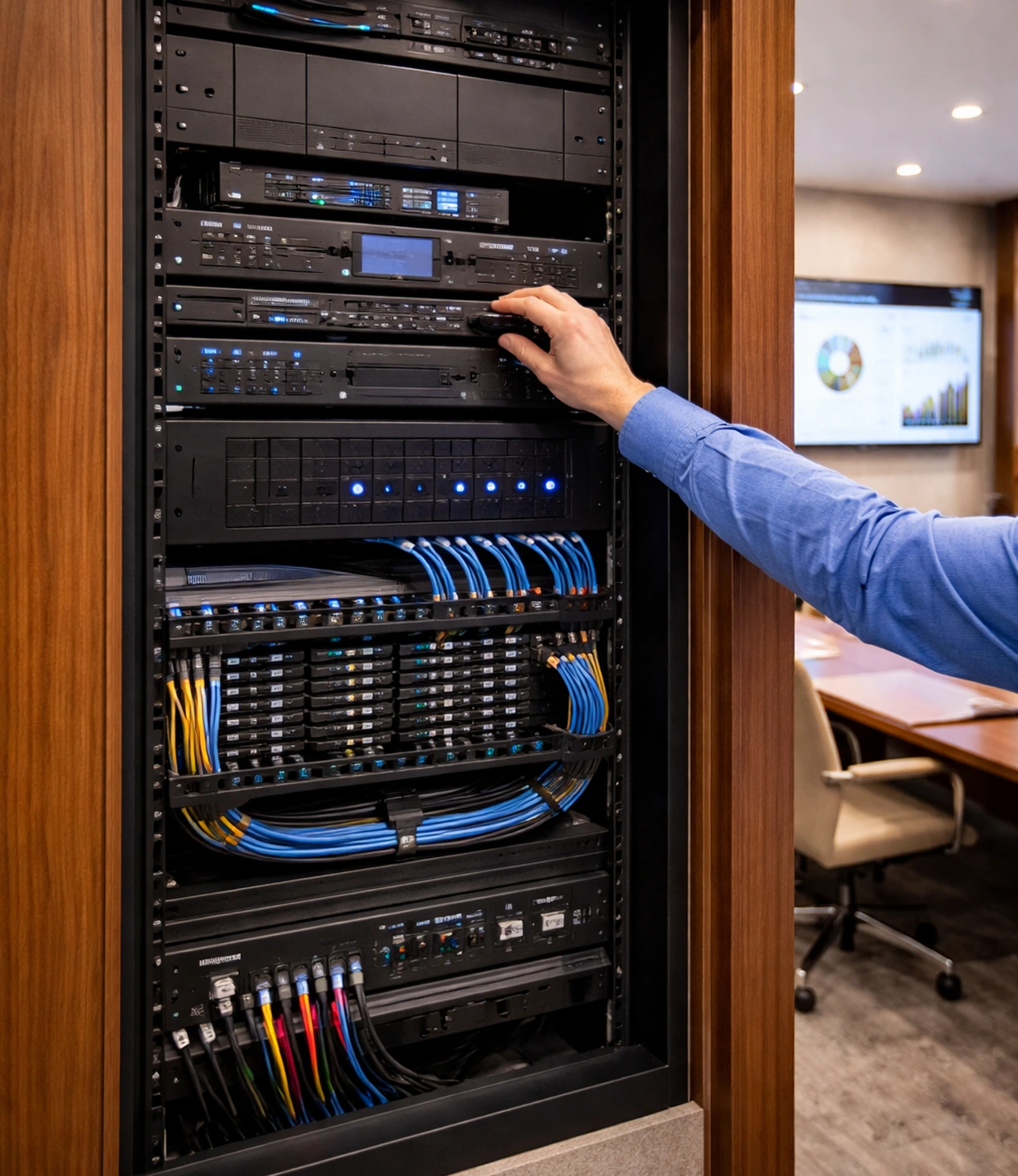
- Cable management and equipment placement should support serviceability and future upgrades.
- Hardware should be selected with room size, platform support, and expected usage in mind.
- Network requirements should be planned early so conferencing performance is not limited by infrastructure.
- Training and handoff should leave staff comfortable using the room without guesswork.
- The finished space should look organized enough for executive meetings, interviews, presentations, and client calls.
Behind every clean conference room is a cleaner plan
The visible equipment is only part of the installation. Strong conference room AV work also depends on infrastructure review, device compatibility, source routing, network readiness, cable planning, wall and table connectivity, control logic, and a finished layout that still feels organized after the room goes live. That planning is often what separates a room that looks impressive for a week from one that remains useful every day.
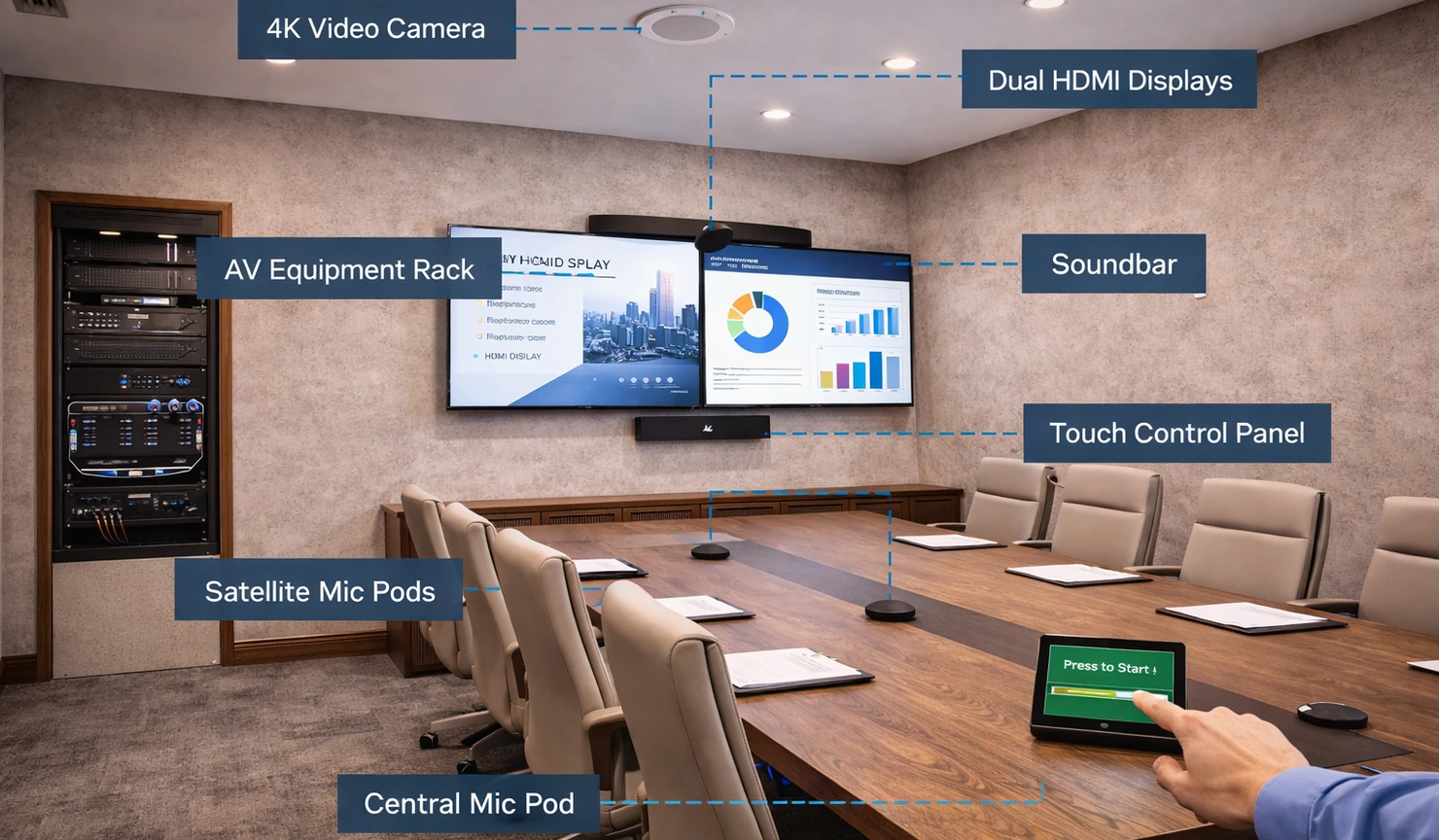
What conference room AV installation usually includes

Conference Room Av Installation Components And Signal Flow
A conference room project may include commercial display installation, dual-display layouts, conferencing cameras, table or ceiling microphones, distributed speakers, presentation switching, wireless sharing tools, room controllers, scheduling panels, cable and power coordination, rack or equipment storage, and integration with broader office technology. The exact mix depends on the size of the room, the platform stack, and whether the business needs a straightforward meeting room or a more complete executive presentation environment.
Project priorities
- Reliable video conferencing performance
- Clear speech pickup across the table
- Display sizing that fits room depth
- Simple source switching and screen sharing
- Cleaner cable management and finish work
- Compatible Zoom or Teams room workflows
- Control systems staff can use confidently
- Planning for future upgrades and support
Common room upgrade opportunities
- Replacing underpowered display sizes
- Improving camera angle and participant framing
- Adding microphones for longer tables
- Reducing echo and intelligibility issues
- Fixing awkward table connectivity
- Standardizing inconsistent room controls
- Cleaning up exposed adapters and loose cabling
- Creating a more polished client-facing room
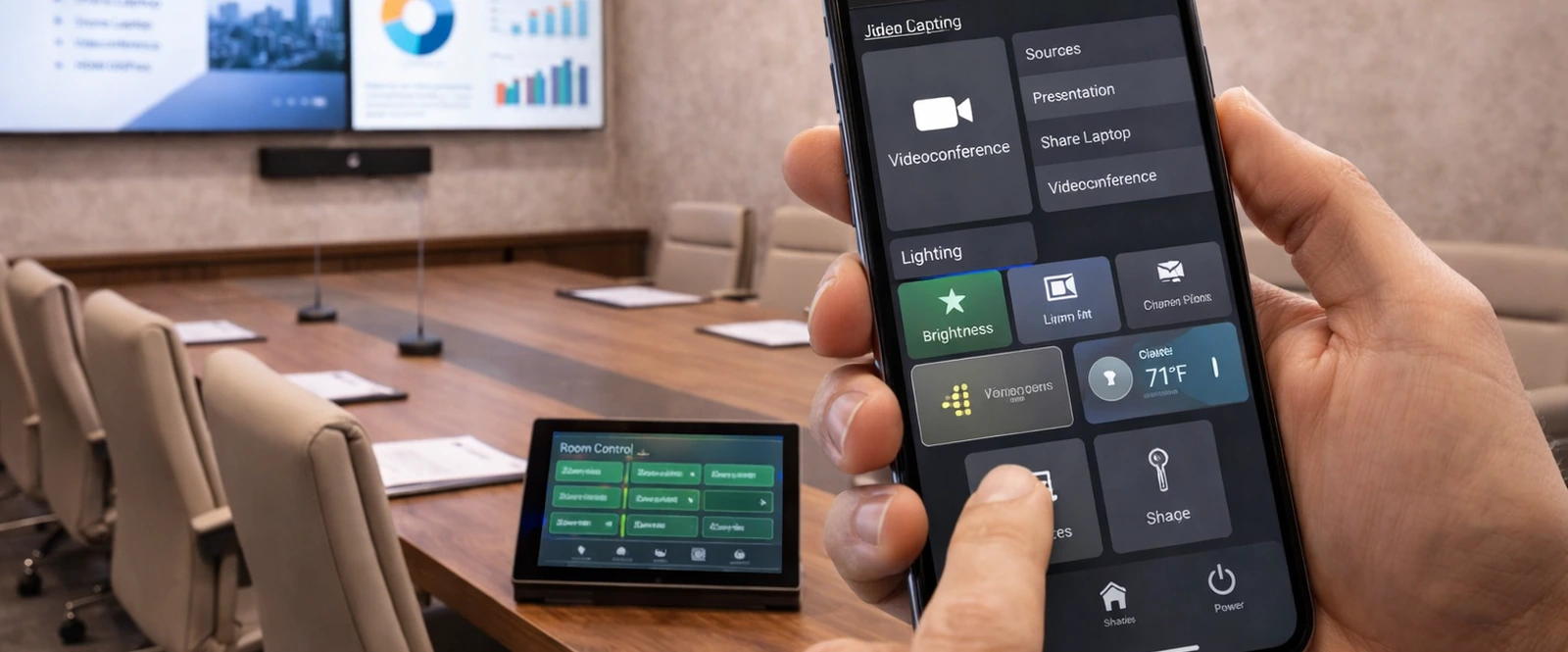

Conference room technology should feel polished when the meeting starts
A better result usually comes from planning around room use, participant count, platform compatibility, presentation habits, control simplicity, and the details that make the room feel dependable long after installation is complete.
Conference room AV systems should be easy to run in real business conditions
The best rooms are not just technically capable. They are organized, intuitive, and ready for staff, leadership teams, presentations, interviews, hybrid calls, and daily collaboration.

Conference Room AV Installation
Get a conference room plan built around how the business actually meets
A stronger room starts with usage goals, room dimensions, conferencing platform needs, presentation workflows, infrastructure review, and a system design that feels easier to use once the room is live. Palm Beach Custom AV can help turn those requirements into a cleaner, more dependable meeting space.